
Fixing Dead Zones: How to Improve Your Home Wi-Fi Signal Without Breaking the Bank
Fixing Dead Zones: Few things are more frustrating than unreliable Wi-Fi. One minute everything works perfectly, the next your video call freezes or your favourite show refuses to load. Many homes have what are known as “dead zones”, areas where the signal drops or becomes so weak that the internet is almost unusable.
It often happens in bedrooms upstairs, garden offices, loft conversions, or even the kitchen. The good news is that most Wi-Fi problems can be solved without spending a fortune. With the right approach and a few smart upgrades, you can enjoy fast and stable internet throughout your home.
At Smart Home Assist, we regularly help homeowners fix these issues through practical home WiFi installation and tailored home WiFi solutions.
Let’s look at why dead zones happen and how you can fix them.
Why Wi-Fi Dead Zones Happen
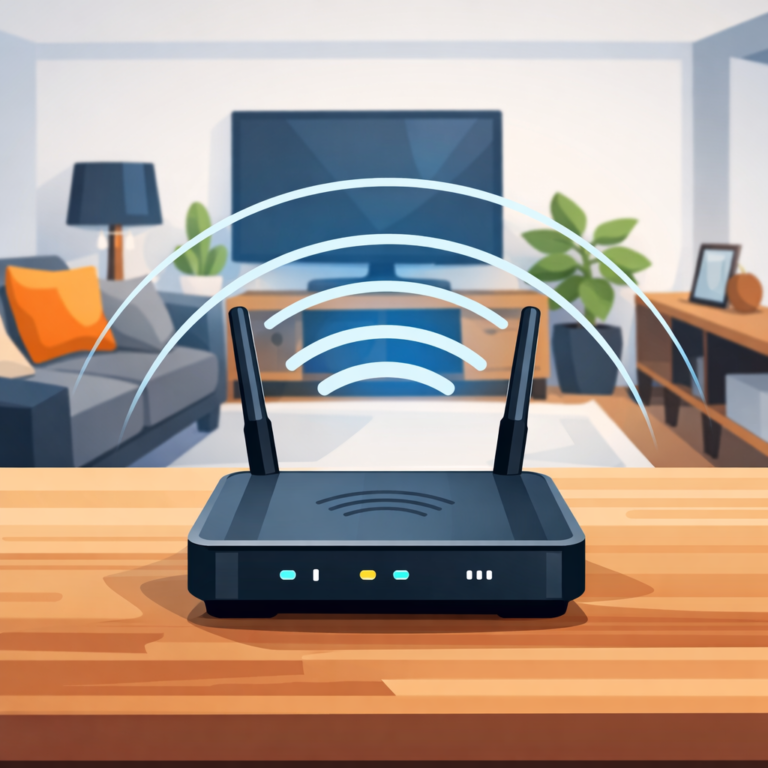
Wi-Fi signals travel through the air from your router to your devices. Along the way, several things can weaken that signal.
Thick walls are one of the biggest culprits, especially in older UK homes where brick, stone, or insulation can block wireless signals. Floors between levels can also reduce signal strength.
Distance matters too. If your router is placed at one end of the house, the signal simply may not reach rooms on the other side. Interference can also play a role. Devices like microwaves, baby monitors, and even neighbouring Wi-Fi networks can disrupt your signal.
Many homes also rely on routers supplied by internet providers. While they work fine for small flats or simple layouts, they often struggle to deliver consistent coverage in larger houses.
The result is patchy coverage and slow speeds in certain areas.
Fixing Dead Zones: Start With Router Placement
Before spending money on new equipment, it is worth checking where your router is located.
Routers work best when placed in a central location. If yours is tucked away in a cupboard, hidden behind furniture, or placed in a corner of the house, the signal will struggle to spread evenly.
Ideally, your router should be:
• Positioned near the centre of your home
• Raised off the floor
• Placed away from thick walls or metal objects
Sometimes simply moving the router to a better spot can noticeably improve coverage.
Consider a Mesh Wi-Fi System
For many homes, the most effective upgrade is installing a mesh Wi-Fi system.
Mesh systems use multiple small units placed around your home that work together to create a single wireless network. Instead of relying on one router to reach every room, the signal is shared across several access points.
This helps eliminate weak areas and improves speed in places where the signal used to drop.
A properly installed mesh system is one of the most reliable home WiFi solutions available today. It works particularly well in larger houses, properties with multiple floors, and homes with garden offices.
The key is proper placement and setup. When installed correctly, mesh systems provide seamless coverage without needing to reconnect as you move around the house.
Upgrade Your Router if It Is Outdated
Technology moves quickly, and many routers become outdated after several years.
If your router is five or six years old, it may not support modern Wi-Fi standards that allow faster speeds and better device handling. With the number of connected devices in most homes today, from smart TVs to tablets and security cameras, this can cause congestion and slow performance.
Upgrading to a modern router can improve overall stability and increase coverage.
However, simply buying a new router does not always solve the underlying problem. This is why many people benefit from professional home WiFi installation that ensures equipment is configured correctly.
Use Wired Access Points for Difficult Areas
Some areas of a home are particularly challenging for wireless signals. Garden offices, converted garages, and extensions are common examples.
In these cases, running ethernet cabling to install a wired access point can provide a far stronger connection than relying on Wi-Fi alone.
An access point creates a new wireless signal in that area while being connected directly to the router through a cable. This delivers excellent speed and stability.
While it may sound complicated, it is often a straightforward solution when handled by professionals offering home WiFi solutions.
Avoid Cheap Signal Boosters
Many people try plug-in Wi-Fi boosters as a quick fix. While they can sometimes help, they often create more problems than they solve.
Basic boosters simply repeat a weak signal, which means they may extend coverage but not improve speed. In some cases, they can even cause network confusion as devices jump between networks.
A properly designed system will always perform better than a collection of random boosters placed around the house.
A Professional Wi-Fi Assessment Makes a Difference
Every home is different. The layout, building materials, and internet usage all affect how Wi-Fi performs.
That is why the best results often come from a proper diagnosis. Mapping signal strength throughout the house can reveal exactly where coverage drops and what needs to change. At Smart Home Assist, we focus on practical home WiFi solutions that actually solve the problem rather than applying quick temporary fixes.
Fix Poor Wi-Fi and Dead Spots
Weak signal in certain rooms? Slow speeds in your garden office?
We can diagnose the issue, map your Wi-Fi coverage, and create a plan to give you fast, stable internet throughout your home.
That might mean:
- Installing a mesh Wi-Fi system
- Relocating or upgrading your router
- Running better cabling or access points
No more buffering. No more dead zones. Just smooth, reliable Wi-Fi everywhere.
If you are tired of unreliable internet, get in touch with Smart Home Assist to discuss a professional home WiFi installation and find the right home WiFi solutions for your home.